// Free Hosting Control Panel
Manage Your Servers with OkPanel
OkPanel is our custom-built, lightweight, and free web hosting control panel.
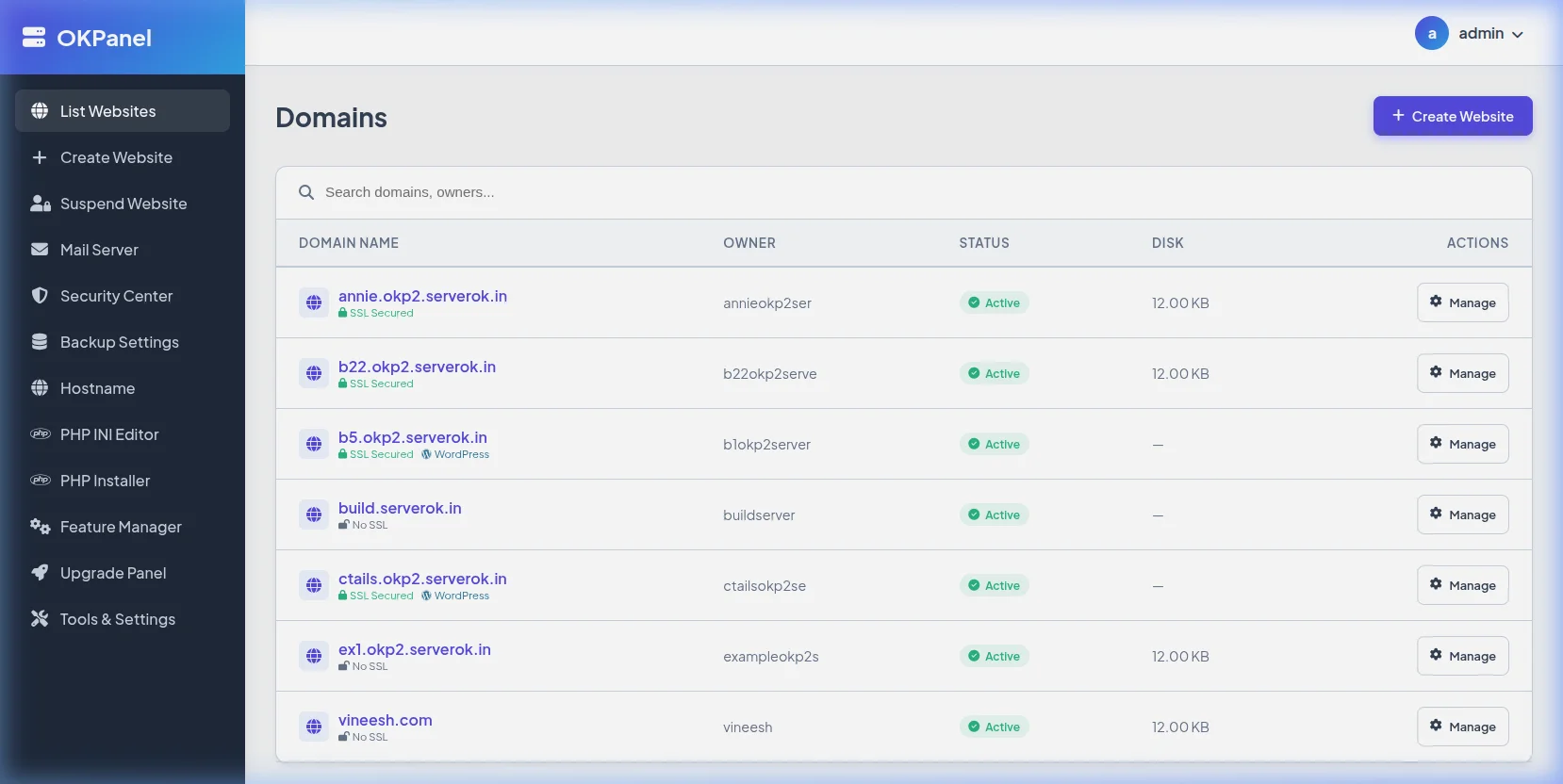
Manage your websites, databases, DNS, and SSL certificates with a clean, simple, and lightning-fast interface.
- Free Forever: No license fees, no limit on websites or domains.
- Resource Friendly: Built to run smoothly even on 512MB RAM VPS servers.
- One-Click Install: Get your complete LAMP/LEMP stack configured in under 2 minutes.
- Built-in Security: Automatic SSL (Let's Encrypt), firewall setup, and brute-force protection.