Enable Remote Connection in MS SQL Server
MS SQL Server does not allow remote connection by default. To enable MS SQL remote connection, you need to open port 1433…

MS SQL Server does not allow remote connection by default. To enable MS SQL remote connection, you need to open port 1433…
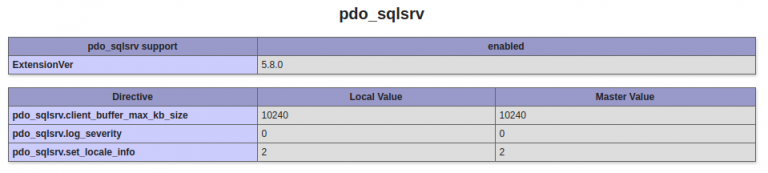
On Ubuntu 18.04 server running PHP 7.2, i want to install Microsoft SQL Server module for PHP. You can find PHP module…