Install Zend OpCache on OpenLiteSpeed Server
To install Zend OpCache on OpenLiteSpeed Server, run apt install -y lsphp73-opcache Now restart PHP with command killall -9 lsphp Zend OpCache…

To install Zend OpCache on OpenLiteSpeed Server, run apt install -y lsphp73-opcache Now restart PHP with command killall -9 lsphp Zend OpCache…
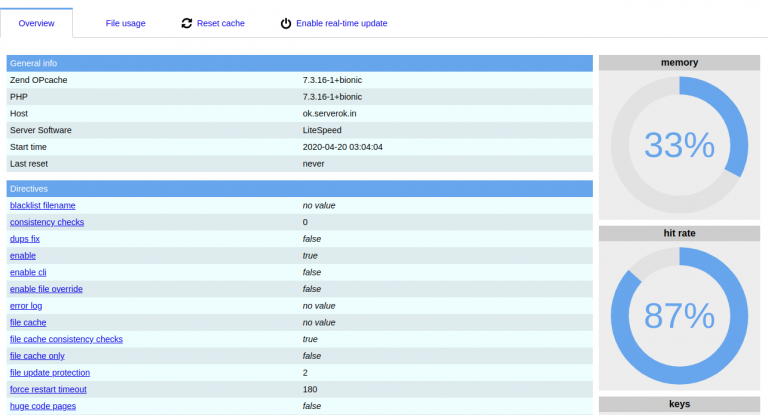
Here is a PHP script to check if PHP Zend OpCache is enabled on your server. https://gist.github.com/HostOnNet/e3f36fe923d408b8597575d601114a88 You can use OpCache GUI…
To enable Zend OPCache in PHP, edit php.ini add following to end of the file zend_extension=opcache.so Now you may need to adjust…
