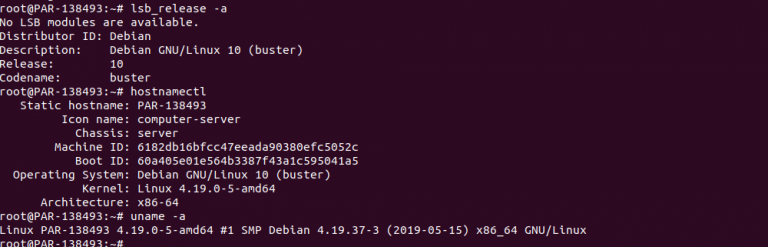
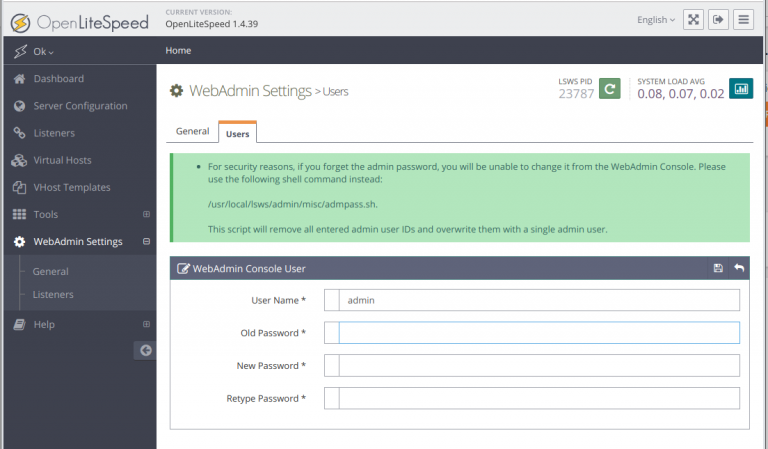
Install ShadowSocks server on Debian 10
To install ShadowSocks server on Debian 10, run apt install -y shadowsocks Create config file vi /etc/shadowsocks/config.json Add following { “server”:”SERVER_IP”, “server_port”:8044,…

To install ShadowSocks server on Debian 10, run apt install -y shadowsocks Create config file vi /etc/shadowsocks/config.json Add following { “server”:”SERVER_IP”, “server_port”:8044,…
To install rabbitmq on Ubuntu/Debian, run echo ‘deb http://www.rabbitmq.com/debian/ testing main’ | sudo tee /etc/apt/sources.list.d/rabbitmq.list wget -O- https://www.rabbitmq.com/rabbitmq-release-signing-key.asc | sudo apt-key add…
To upgrade Debian 9 to Debian 10, first make sure your system is up-to-date. Edit file /etc/apt/sources.list. Find all occurrences of “stretch”…
To install r1soft server backup agent on Ubuntu/Debian, add repository Install agent Install kernal headers Install kernal modules Verify backup agent works…
Upgrading server on a remote location is not safe unless you have KVM access. I did many Debian 8 to Debian 9…
On a Debian 8 server, when running apt update, got following error W: Failed to fetch http://mirror.com/debian/dists/jessie/main/source/Sources 404 Not Found [IP: 185.194.238.133…
When i get apt update on a Debian 9 server, i get following error # apt update Get:1 http://ftp.debian.org/debian stretch-updates InRelease [91.0…
To install Microsoft PowerShell in Debian 9, run apt-get update apt-get install curl gnupg apt-transport-https Install GPG keys curl https://packages.microsoft.com/keys/microsoft.asc | apt-key…
apt-key keyserver receive failed: No dirmngr MySQL 8 apt Error The following signatures were invalid
When running apt-key command, i get following error. To fix this, run
You can see detailed instruction on how to install on MongoDB web site. First add key apt-key adv –keyserver hkp://keyserver.ubuntu.com:80 –recv 9DA31620334BD75D9DCB49F368818C72E52529D4…
OpenLiteSpeed ia an Open Source version of LiteSpeed Web Server. To install OpenLiteSpeed, add repository by running wget -O – http://rpms.litespeedtech.com/debian/enable_lst_debain_repo.sh |…