
Ubuntu
Set default PHP version in Ubuntu
To select default PHP version in Ubuntu, run update-alternatives –config php This will show a menu, you can select the default php…
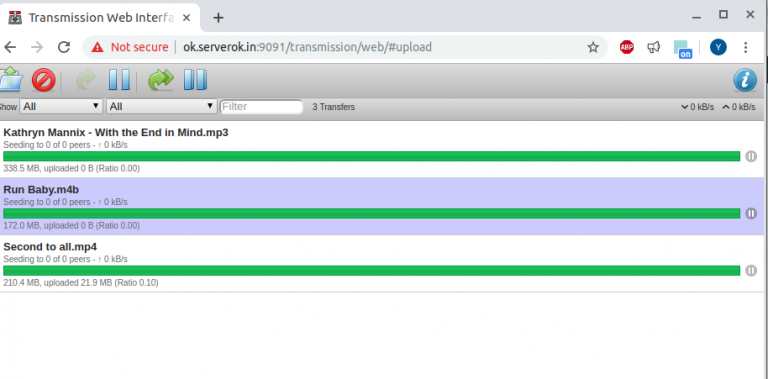
Install Transmission torrent client on Ubuntu Server
To install transmission torrent client on Ubuntu, run apt install transmission-cli transmission-common transmission-daemon Before you can configure transmission-deamon, you need to stop…
Install Skype on Ubuntu
Skype public key is not available To install Skype on Ubuntu 20.04 (this work with other Ubuntu/Debian versions), run curl https://repo.skype.com/data/SKYPE-GPG-KEY |…
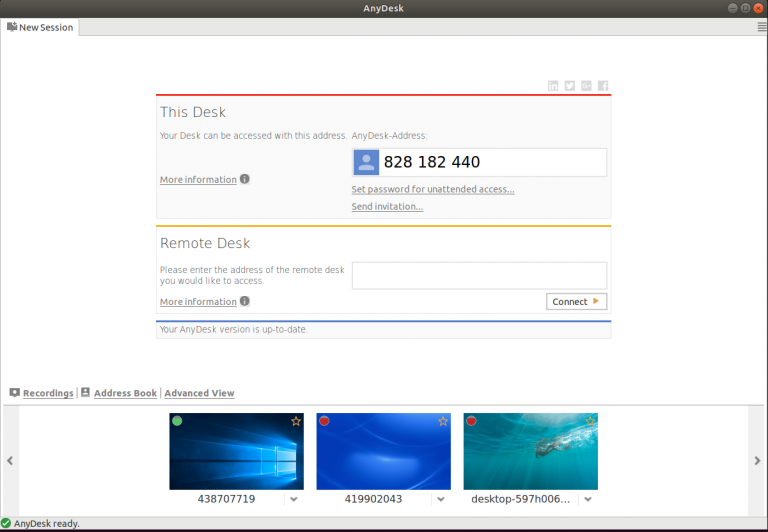
Install AnyDesk on Ubuntu using flatpak
AnyDesk is a remote desktop sharing application like TeamViewer and Google Remote Desktop. I normally use Google Chrome Remote desk as it…
Install Gitlab on Debian/Ubuntu
Install requirements echo “postfix postfix/main_mailer_type string ‘Internet Site'” | debconf-set-selections echo “postfix postfix/mailname string localhost” | debconf-set-selections curl -Ls https://packages.gitlab.com/gpg.key | apt-key…
Install SpeedTest cli on Ubuntu
speedtest.net is a popular web site for testing braodband speed. To install speedtest cli on Ubuntu, run apt install -y speedtest-cli This…
Configure Failover IP in Ubuntu 18.04 OVH VPS
Default /etc/network/interfaces in Ubuntu 18.04 in OVH VPS look like following. Click here for Ubuntu 20.04 instructions. root@vps624512:~# cat /etc/network/interfaces # ifupdown…
Install ffmpeg on Ubuntu
To install ffmpeg 4 on Ubuntu, you can use PPA https://launchpad.net/~jonathonf/+archive/ubuntu/ffmpeg-4 apt install software-properties-common -y add-apt-repository ppa:jonathonf/ffmpeg-4 -y Now install ffmpeg with…
Odoo apt signatures couldn’t be verified
When updating apt on Ubuntu server, i get following error root@ip-172-31-25-25:/home/ubuntu# apt-get update Hit:1 http://ap-south-1.ec2.archive.ubuntu.com/ubuntu xenial InRelease Hit:2 http://ap-south-1.ec2.archive.ubuntu.com/ubuntu xenial-updates InRelease Hit:3…
Ubuntu AppArmor
To see the status of AppArmor service, run To see AppArmour status, run AppArmor config files in You can stop start AppArmor…

MySQL not starting on Ubuntu 18.04
MySQL did not start on Ubuntu 18.04 server. This is fresh server, i removed all MySQL packages, removed configuration files. apt remove…