r1soft get-module segmentation fault
When installing r1soft kernel module, I got the following error root@localhost:~# serverbackup-setup –get-module Failed to find headers at `/lib/modules/4.19.0-20-amd64/build`. Get module failed.…

When installing r1soft kernel module, I got the following error root@localhost:~# serverbackup-setup –get-module Failed to find headers at `/lib/modules/4.19.0-20-amd64/build`. Get module failed.…
MySQL Backup Backup Services MySQL Backup Tricks MySQL Restore Errors MySQL Backup Errors Back to MySQL
To backup all databases on a MySQL server, run This will create sql backup file for each database in your MySQL server…
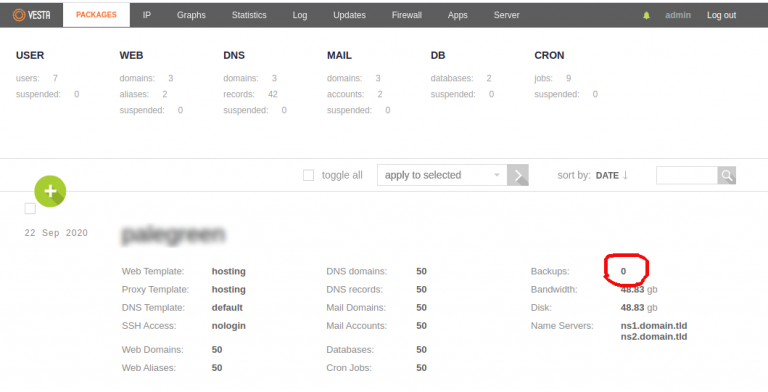
In VestaCP, each packages have option to specify how many backups it can take. First you need to click on packages, then…
By default, Plesk store backups in folder /var/lib/psa/dumps/. To move this to a differnt partition or directory, create a folder mkdir /backup…
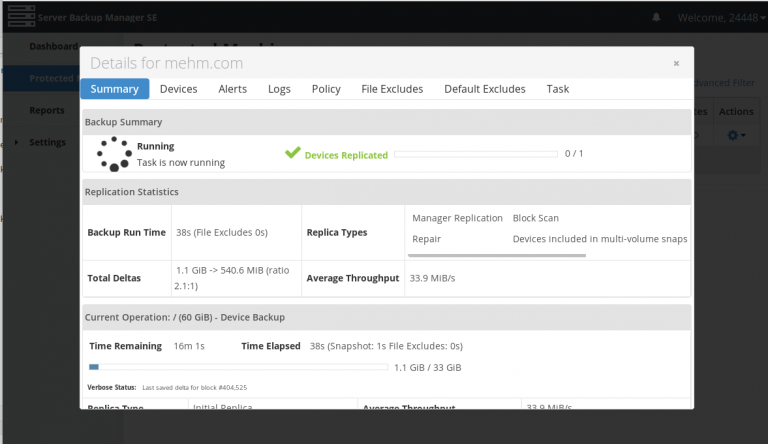
After adding Server to R1Soft Server Backup Manager, you need to configure it. Test Connection Verify backup manager can connect to protected…
Here are some tools that can be used to sync files between 2 servers. rsync lsyncd unison
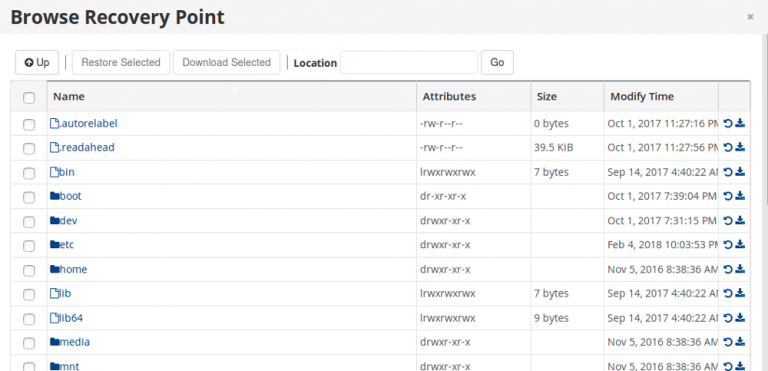
To restore backup, login to R1Soft Server Backup Manager. Go to Protected Machines. This page will list all available servers. Click on…
r1soft is a backup software from https://www.r1soft.com Installing Agent Install R1Soft Agent on CentOS Installing r1soft server backup agent on Debian/Ubuntu r1Soft…
To backup a site using tar, i created a shell script. mkdir /usr/serverok/ vi /usr/serverok/backup-daily.sh With following content #!/bin/bash /bin/tar zcvhf /backup/daily/backup.tgz…
rsync command with exclude option, full server backup to a remote server. Transfer a file I normally use scp to do single…
Backup Software – Open Source Backup Software MySQL Backup automysqlbackupPlesk MySQL Daily Backup ScriptMySQL Backup using mysqldump Backup Storage