Steam store games on different Disk
I have a 250 GB SSD as boot drive. My steam games installed on a 2nd 2 TB hard disk. After reinstalling…

I have a 250 GB SSD as boot drive. My steam games installed on a 2nd 2 TB hard disk. After reinstalling…
GNOME Shell Extensions allow you to add/modify features in Gnome Desktop. Gnome Desktop is used by Ubuntu. Shell Extensions are stored in…
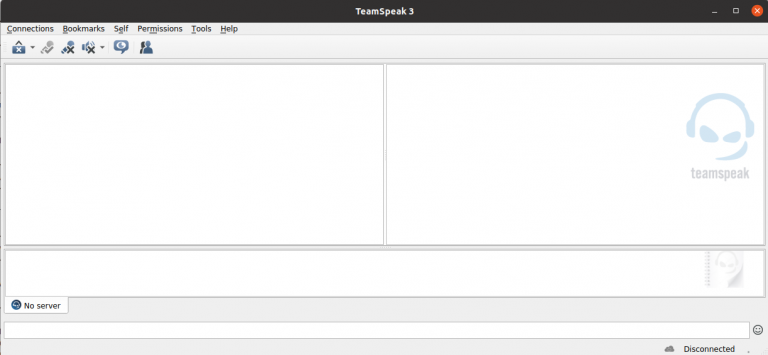
To install TeamSpeak client on Ubuntu, download latest version from https://www.teamspeak.com/en/downloads/ Download page list both 32 and 64 bit versions. Most computers…
When installing a software from source, i get errro configure: error: “curses not found” To fix this, install libncurses-dev apt install libncurses-dev…
When installing a software from source i get error configure: error: “libevent not found” To fix, install libevent-dev apt install libevent-dev See…
To check if a directory exists in bash, use if [[ -d “/path/to/directory/” ]] then echo “Directory found.” fi To check for…
Exim comes with a utility called “exiwhat” which will display what each instance of exim is currently involved with. exiwhat The output…
Amazon Lightsail Log in failed – CLIENT_UNAUTHORIZED How to Delete an Amazon Lightsail server How to enable Snapshot (Backup) in Amazon Lightsail…
To find ErpNext version from command line, run bench version Example frappe@ubuntu-s-1vcpu-2gb-blr1-01:~/frappe-bench$ bench version erpnext 12.1.6 frappe 12.0.16 restore 0.0.1 frappe@ubuntu-s-1vcpu-2gb-blr1-01:~/frappe-bench$ Using…
To access console of a LXC container running under Proxmox, run pct enter CT_ID_HERE Example pct enter 106 You don’t need to…
To enable developer mode in ErpNext, run bench –site YOUR_SITE_NAME_HERE set-config developer_mode 1 Example bench –site erp.serverok.in set-config developer_mode 1 Method 2…
To backup a site in ErpNext, you need to backup files and database. To backup files, run frappe@sok:~/frappe-bench$ bench –site erp.serverok.in backup…