zip
To install zip on Ubuntu/Debian, run apt install zip unzip -y To unzip a file, run unzip FILE_NAME.zip To unzip to specific…

To install zip on Ubuntu/Debian, run apt install zip unzip -y To unzip a file, run unzip FILE_NAME.zip To unzip to specific…
Install zsh in Debian/Ubuntu apt install zsh Install OhMyZsh sh -c “$(curl -fsSL https://raw.github.com/robbyrussell/oh-my-zsh/master/tools/install.sh)” See shell
Free DNS Hosting https://www.cloudflare.com https://desec.io – Open Source. Source code https://yandex.com/support/domain/domain/dns.html https://www.cloudns.net/ https://dns.he.net/ https://www.duckdns.org/ https://www.dynu.com/ https://www.luadns.com https://ns1.com – Developer plan with 1…
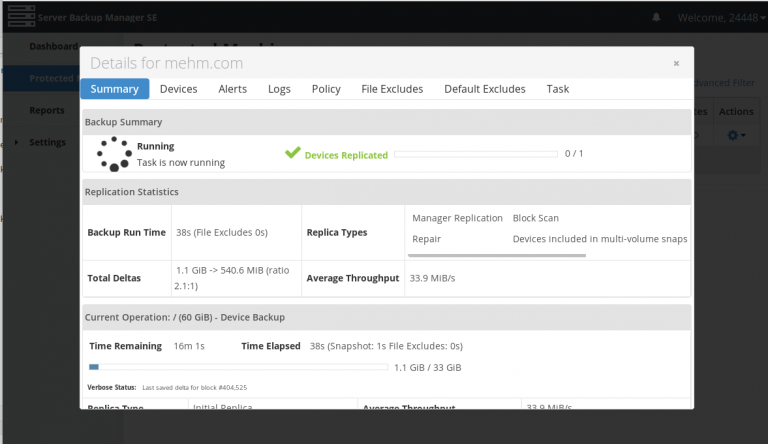
After adding Server to R1Soft Server Backup Manager, you need to configure it. Test Connection Verify backup manager can connect to protected…
To install r1soft server backup agent on Ubuntu/Debian, add repository Install agent Install kernal headers Install kernal modules Verify backup agent works…
AI Video Generation Online Video Makers/Tools Audio Watch Movies Online HTML Video Player
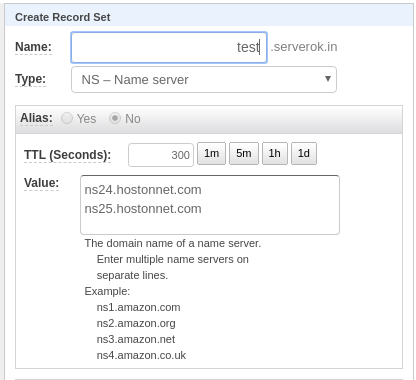
To point a domain to another server, you can create an A record, point to the server. If your provider only provide…
To select default PHP version in Ubuntu, run update-alternatives –config php This will show a menu, you can select the default php…
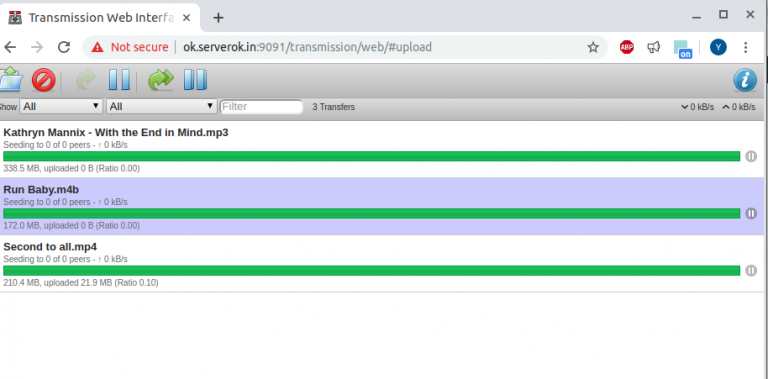
To install transmission torrent client on Ubuntu, run apt install transmission-cli transmission-common transmission-daemon Before you can configure transmission-deamon, you need to stop…
To disable IPv6 on the postfix mail server, edit vi /etc/postfix/main.cf Find inet_protocols = all Replace with inet_protocols = ipv4 Restart postfix…